For office managers
Enter the job once. Not four times.
One record holds the documents, the schedule, the invoice and the follow-ups. You stop retyping and start closing things out.
A day in the job
A day in the office
A rep calls with a new job. You enter it in the spreadsheet, again in the accounting software, and a third time on the calendar. Then you hunt through email for the photos and wonder which version of the estimate is current.
By mid-afternoon three people want three different answers: where is the document, when is the install, who is still owed money. You track unpaid jobs on a sticky note and chase them when you have time. Most days you do not.
How Kilo helps
Step by step
- Create the job onceCustomer, address, trades and notes go in one time and follow the job through every stage.
- Bring in your existing listImport your customers and jobs so you are not starting from a blank screen.
- File every document on the jobPhotos, contracts and invoices land against the right job, in the storage you already own.
- Schedule the crew and the installPut the dates on the board once and your whole team sees them.
- Handle change ordersExtra work gets recorded on the job, so the final invoice matches what was actually done.
- Keep appointment reminders runningHomeowners and reps get reminders on their own, so you make fewer confirmation calls.
- Watch the 30-day payment windowReminders are drafted for your approval, so nothing reaches a homeowner unless you say so.
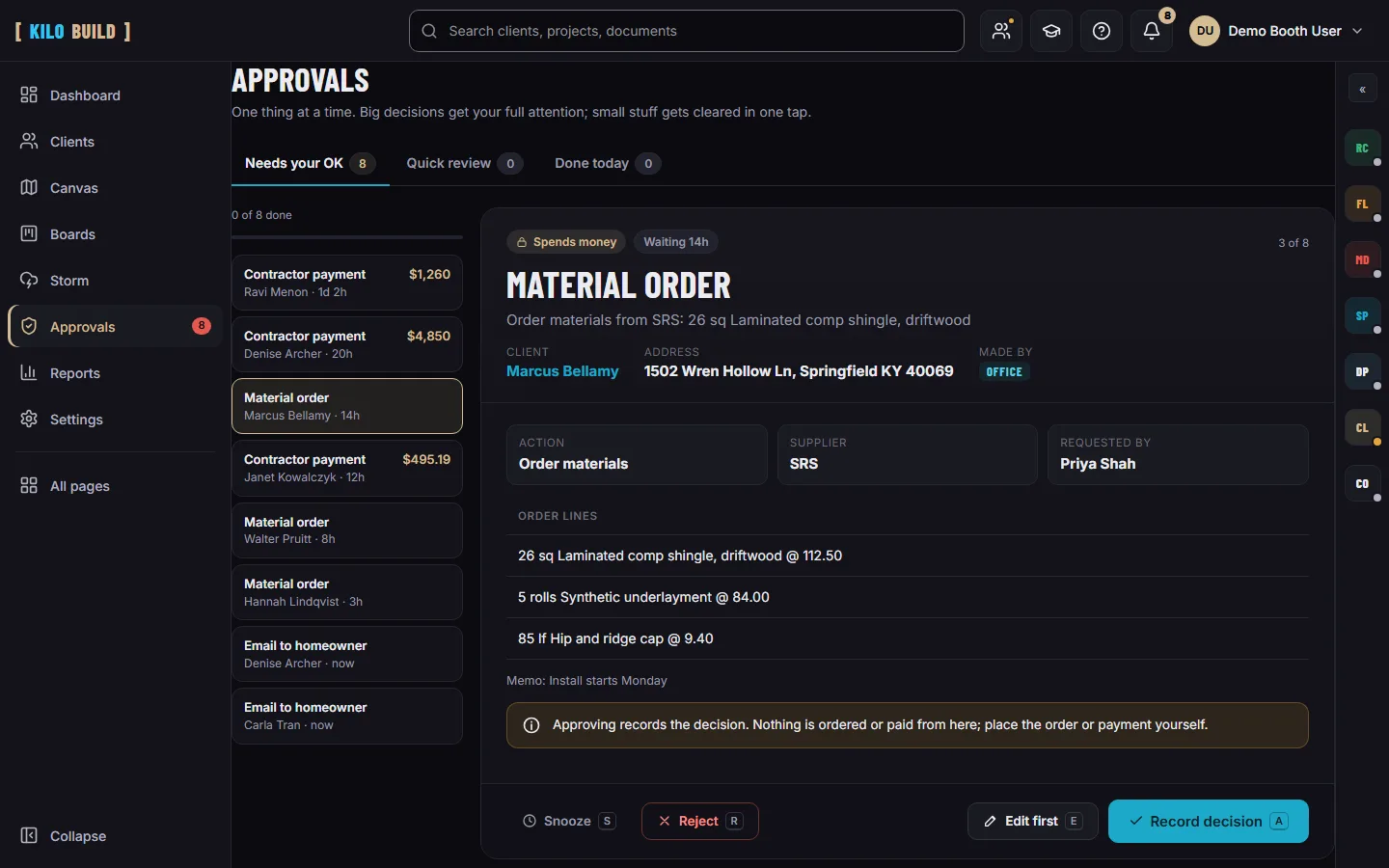
One record for the whole job.
What you get
What changes
- Each job is typed in once, not three or four times.
- Any document is findable in seconds, on the job, not in an inbox.
- Fewer calls asking where things stand, from reps and homeowners alike.
- Unpaid jobs stay visible before they get old.
- Every change has a name and a date on it, so questions have answers.
KILO. THE AI OPS TEAM.
Stop retyping the same job.
Book a demo and bring a real job.
Founding members: enter FOUNDER25 when you start a paid package.